RK PromptPilot by RK Digitalabs
PASTE YOUR PROMPTS ONCE.LET THEM RUN AUTOMATICALLY.
Paste your entire prompt list into RK PromptPilot, click Run once, and let the extension process each prompt sequentially — generating and downloading images automatically.
No prompt-by-prompt copy-pasting. No image-by-image downloading.
Built for creators, e-commerce teams & AI power users
Prompt list · pasted once
200+ Prompts Loaded- Prompt 001Create a cinematic mountain landscape at golden hour.
- Prompt 002Create a luxury modern living room with soft daylight.
- Prompt 003Create a futuristic city at night in the rain.
- Prompt 004Create a premium product scene on marble.
Optional · reference image workflow
RKPromptPilot
ExtensionPrompt 37 of 200
- Prompt 37 of 200
- Generating…
- Image Completed
- Downloading…
- →Starting Prompt 38…
The RK PromptPilot loop
Generate → Download → Next Prompt → Repeat Automatically.
You bring your own prompts. RK PromptPilot handles everything that comes after the paste.
The automated run
200 Prompts. One Paste. One Run.
RK PromptPilot handles the repetitive prompt entry, generation flow and image downloading for you.
Paste All Your Prompts Once. Click Run Once.
Paste 200 prompts — or more — at once and let RK PromptPilot process them sequentially. 10, 50, 200 or a much longer list: start the workflow once and it works through every prompt automatically.
Paste 200+ Prompts
One paste into the prompt box · no fixed limit
Click Run
One action starts the workflow
Prompt 1
Generate
Download
Prompt 2
Generate
Download
Continue Automatically
Prompt 3 → 4 → 5 → …
200 / 200 Complete
How it works
From One Paste To A Finished Prompt List.
You already have your prompts. RK PromptPilot does not write them — it runs them.
- 01
Paste Your Entire Prompt List
Paste all of your prompts into RK PromptPilot at once — 200 prompts, or more, loaded in a single paste.
- 02
Click Run Once
Start the whole workflow with one action. No prompt-by-prompt setup.
- 03
RK PromptPilot Uses Prompt #1
The first prompt is sent automatically into the supported AI workflow.
- 04
The Image Is Generated
RK PromptPilot waits for the generation to complete before moving on.
- 05
The Image Is Downloaded
The completed image is automatically saved where supported — you never click download.
- 06
It Moves To The Next Prompt
Prompt #2 runs automatically, then #3, then #4 — until the complete prompt list has been processed.
The difference
Stop Repeating The Same 5 Steps For Every Prompt.
Same 200 prompts — or however many you have. Two very different workflows.
Manual workflow · 200 prompts (or more)
- Copy Prompt 1
- Paste Prompt 1
- Generate
- Wait
- Download
- Copy Prompt 2
- Paste Prompt 2
- Generate
- Wait
- Download
- Repeat… 200 times
With RK PromptPilot
- Paste all 200 prompts — or more — at once
- Click Run
- Prompt 1 → Generate → Download
- Prompt 2 → Generate → Download
- Prompt 3 → Generate → Download
- … continues automatically
- Prompt 200 → Generate → Download
200 Prompts Or More. One Setup. One Automated Workflow.
Features
Built To Run Your Whole Prompt List, Unattended.
- 01
Bulk Prompt Input
Paste 10, 50, 200 or more prompts into the extension at once — no fixed limit and no adding them one by one.
- 02
Sequential Prompt Automation
Click Run once and each prompt is executed automatically, one after another.
- 03
Automatic Image Generation Workflow
Automate repetitive prompt execution through supported AI platforms.
- 04
Automatic Downloads
Completed images are downloaded automatically where supported — no clicking save for each one.
- 05
Progress Tracking
Always know how far the run has gone.
37 / 200 Completed
- 06
Current Prompt Status
See exactly what the active prompt is doing right now.
- Queued
- Running
- Generating
- Downloading
- Completed
- Failed
- 07
Pause / Resume / Stop
Control a running workflow at any point where supported.
- 08
Reference Image Workflow
Combine your prompt list with an attached reference image for supported image-editing and variation workflows.
- 09
ChatGPT Workflow Support
Designed to complement supported ChatGPT image-generation and image-editing workflows.
- 10
Google Flow Workflow Support
Streamline supported creative workflows involving Google Flow.
Product demo
See RK PromptPilot In Action
An example run of 200 pasted prompts — or more — mid-workflow. Each prompt is entered, generated and downloaded before the next one starts, however long your list is.
200 prompts pasted · one run
Running
- Downloaded
Prompt 036 of 200
Create a cinematic mountain landscape at golden hour.
- Downloaded
Prompt 037 of 200
Create a luxury modern living room with soft daylight.
- Generating…
Prompt 038 of 200
Create a futuristic city at night in the rain.
- Queued
Prompt 039 of 200
Create a premium product scene on marble.
- Queued
Prompt 040 of 200
Create a minimal studio portrait with rim lighting.
… the remaining prompts continue automatically until 200 / 200
Additional workflow · reference image
Attach One Image. Paste All Your Edit Prompts.
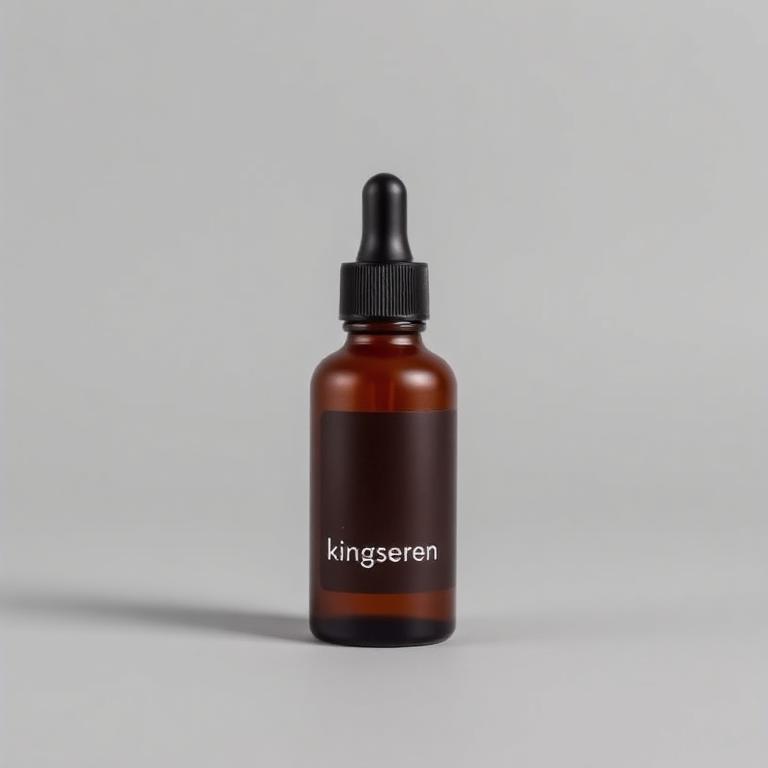
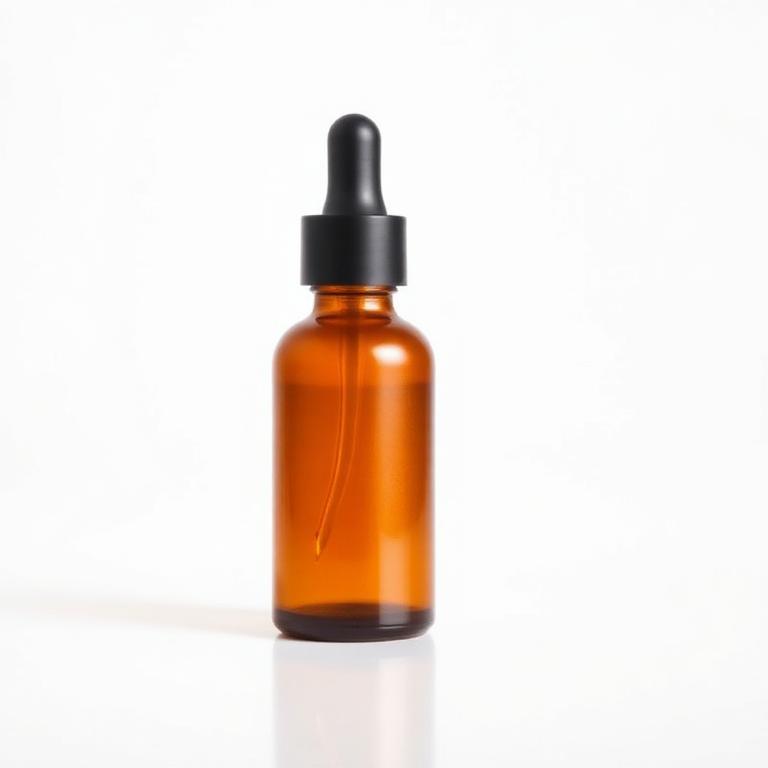
The same bulk workflow works with an attached reference image. Attach one product photo or design, paste your whole list of editing instructions at once, click Run — and RK PromptPilot processes them one by one using that reference image where supported.
Pasted in one go
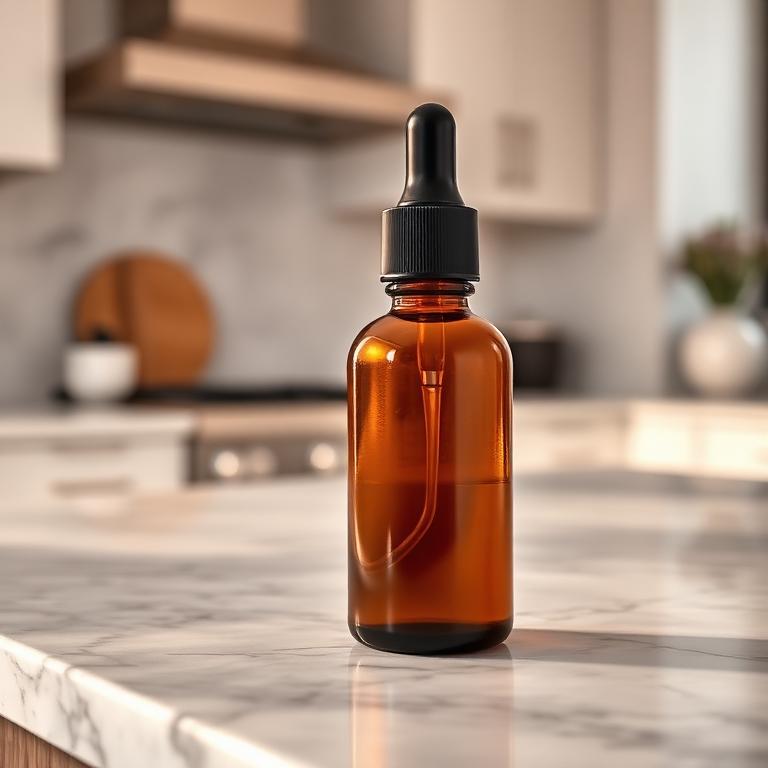
20 Prompts Loaded- 01Put this product in a luxury kitchen
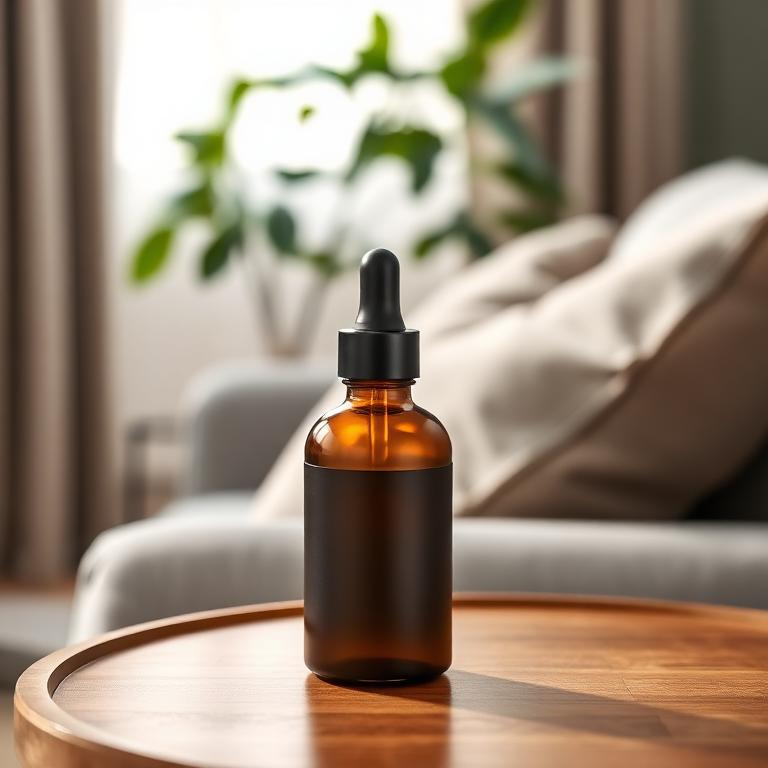
- 02Put this product in a modern living room
- 03Create a clean white-background version
- 04Create a Facebook ad version
- 05Create a summer campaign version
- 06Add realistic shadows
- 07Remove distracting objects
- 08Create an Instagram version
- … 12 more edit prompts
Run
Reference attached
product-main.jpg
- 01Attach one reference image
- 02Paste your 20 edit prompts at once
- 03Click Run once
- 04Prompt 1 → Generate → Download
- 05Prompt 2 → Generate → Download
- 06Continues to prompt 20 automatically
One use case · e-commerce
One Product Image. One Pasted Prompt List.One Automated Run.
E-commerce is one of many ways teams use the same bulk workflow: attach your product image, paste every creative instruction at once, click Run, and let the images be generated and downloaded prompt by prompt.
product-main.jpg
RK PromptPilot workflow
- 01Attach product image
- 02Paste all edit prompts at once
- 03Click Run once
- 04Generate → download → next prompt
Generated variations — same product, new scenes
White Background
Luxury Lifestyle
Home Environment

Facebook Ad
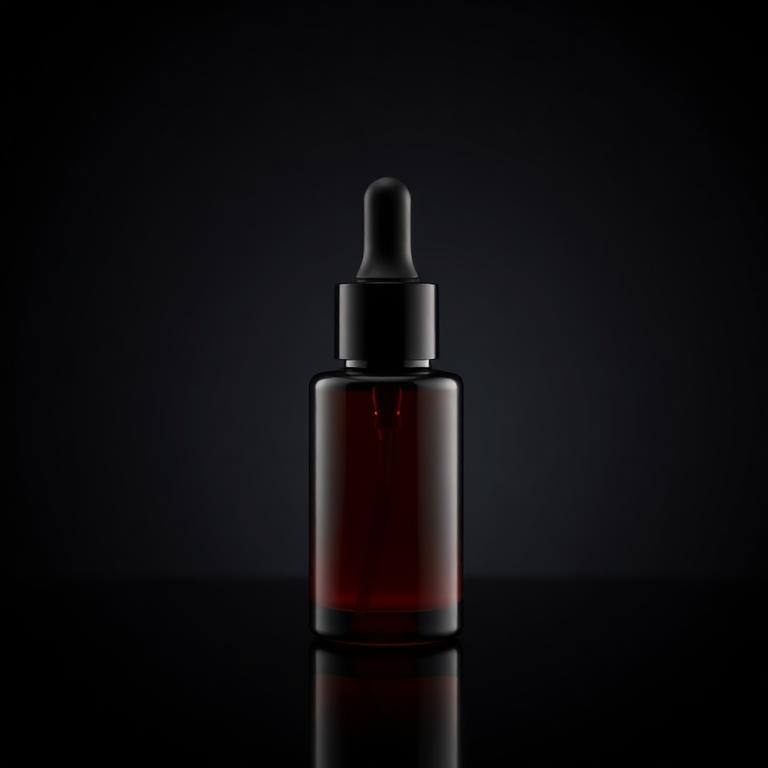
Instagram Creative
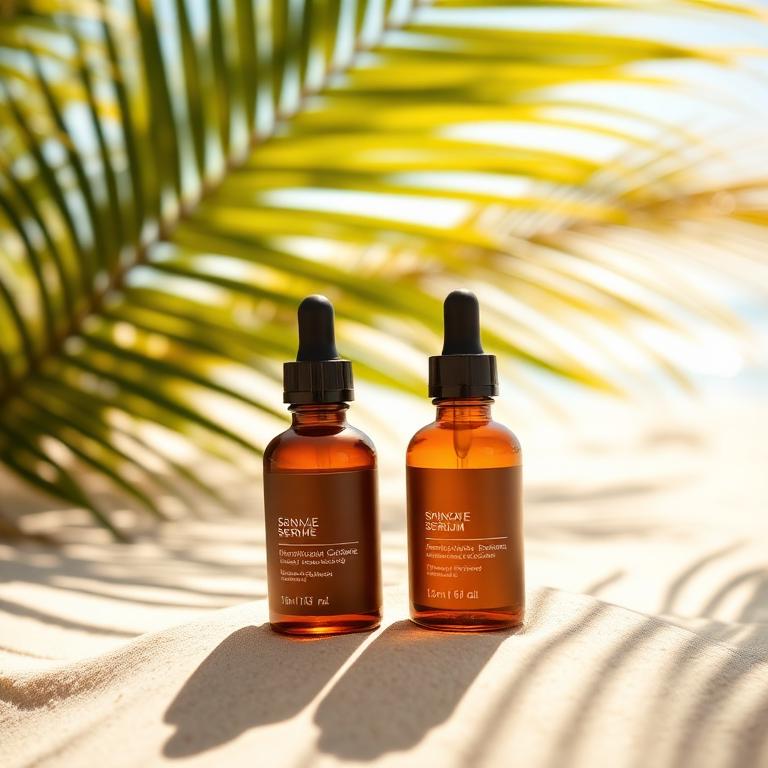
Seasonal Campaign
Marketplace Image
Queued next
E-commerce creative workflows RK PromptPilot helps with
Product Background Changes
Turn a basic product shot into lifestyle environments.
Product Color Variations
Create different visual color concepts.
Lifestyle Photography
Place products into realistic environments.
Marketplace Creatives
Create clean product imagery for marketplace listings.
Social Media Ads
Generate different advertising concepts for Meta, Instagram and other marketing channels.
Seasonal Campaigns
Create Christmas, summer, Black Friday, Valentine's Day or other campaign concepts.
Creative Testing
Generate multiple advertising variations for testing.
Product Scene Generation
Use one product as the reference while experimenting with different settings and compositions.
Bulk Creative Workflow
Run multiple creative concepts sequentially instead of repeating every action manually.
Who is it for?
Built For People Who Create At Scale.
E-commerce Sellers
Create more product imagery without repeating the same workflow manually.
Shopify Stores
Generate lifestyle images and campaign creatives from existing product images.
Amazon Sellers
Create multiple product presentation concepts.
Advertising Teams
Generate creative variations for campaign testing.
Social Media Managers
Produce more visual concepts for posts and campaigns.
Creative Agencies
Handle larger creative workflows more efficiently.
AI Creators
Automate repetitive creative-generation tasks.
YouTubers
Generate repeated thumbnail or creative concepts efficiently.
Join The RK PromptPilot Community
Get RK PromptPilot updates, workflow ideas, e-commerce creative tips, product announcements and community support.
FAQ
Questions, Answered.
Anything not covered here is usually in the User Guide, or you can reach RK Digitalabs through the support form.
Work smarter
Paste Once.
Run Once.
Let It Finish Automatically.
Bring your own prompt list. RK PromptPilot handles the prompt entry, the generation flow and the downloads — prompt after prompt.